
The function labelled Count columns in iDoceo is NUMCOL. It counts how many of the selected cells are not empty, separately for each student.
Use it to see how many grades you have entered. An entered zero counts; an empty cell does not.
1. Start with an example
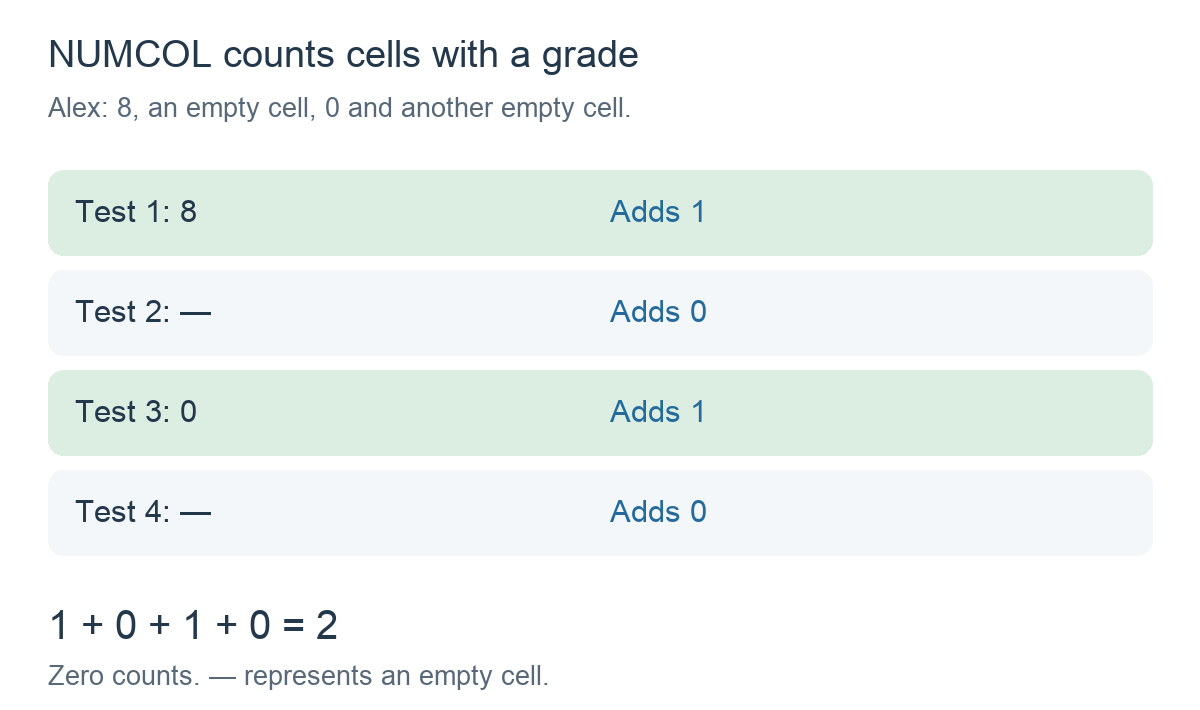
Alex has four test columns: 8, an empty cell, 0 and another empty cell. Two cells contain grades, so the result should be 2.
2. Create the calculation
Add a calculation column and choose Formula. In Functions, select Count columns (NUMCOL), then insert the test columns with the column selector:
NUMCOL(Test 1, Test 2, Test 3, Test 4)The test names represent selected references; do not type these names as plain text. Read the formula as: Count how many of these four cells have a value for this student.
3. Check the result
- Test 1 contains 8: add 1.
- Test 2 is empty: add 0.
- Test 3 contains 0: add 1.
- Test 4 is empty: add 0.
The result is 2, not 4. NUMCOL does not simply count how many columns you selected; it checks whether each selected cell is empty.
If you enter a grade in Test 2, the result becomes 3. If every selected cell has a grade, it is 4. If all four are empty, it is 0. You can select as many columns as you need.
4. Use NUMCOL with a folder
To count non-empty cells in the immediate columns of a folder called Tests, use:
NUMCOL(FOLDER(Tests))Insert Tests using the column selector. A new test added directly inside the folder becomes part of the selection, but does not increase a student’s count until that student’s cell has a value.
FOLDER uses the first level only; a subfolder contributes its own result column. See FOLDER: Use a folder in a formula.
5. Compare NUMCOL and COUNTBLANK
With Alex’s grades of 8, empty, 0 and empty, NUMCOL gives 2 filled cells and COUNTBLANK gives 2 empty cells. An entered zero belongs to the NUMCOL count.
See COUNTBLANK: Count empty cells.
Things to remember
- NUMCOL counts non-empty selected cells. It does not count passed tests; use COUNTIF for a grade condition.
- Zero counts. A grade of zero is different from a missing grade.
- Counted does not mean passed or completed. The function only checks for a value in this numeric-grade example.